 MIRAMAR / FIELD NOTES
THE PLAYER
Player Report
Search by exact name and platform. Explore overview, advice, modes, records and support stats, recent map performance and shot placement.
 PUBG: BATTLEGROUNDS
PUBG: BATTLEGROUNDS
Your matches, your battlegrounds and your next drop.
Make sense of your report, explore the terrain and understand what a result can tell you before taking it into your next match.
Start with a player, explore the official rankings or take a closer look at a map.
Find your playerSearch by exact name and platform. Explore overview, advice, modes, records and support stats, recent map performance and shot placement.
Choose a region, mode and perspective. Search all returned players, reveal more rows and open individual reports. Positions come from the official ranking.
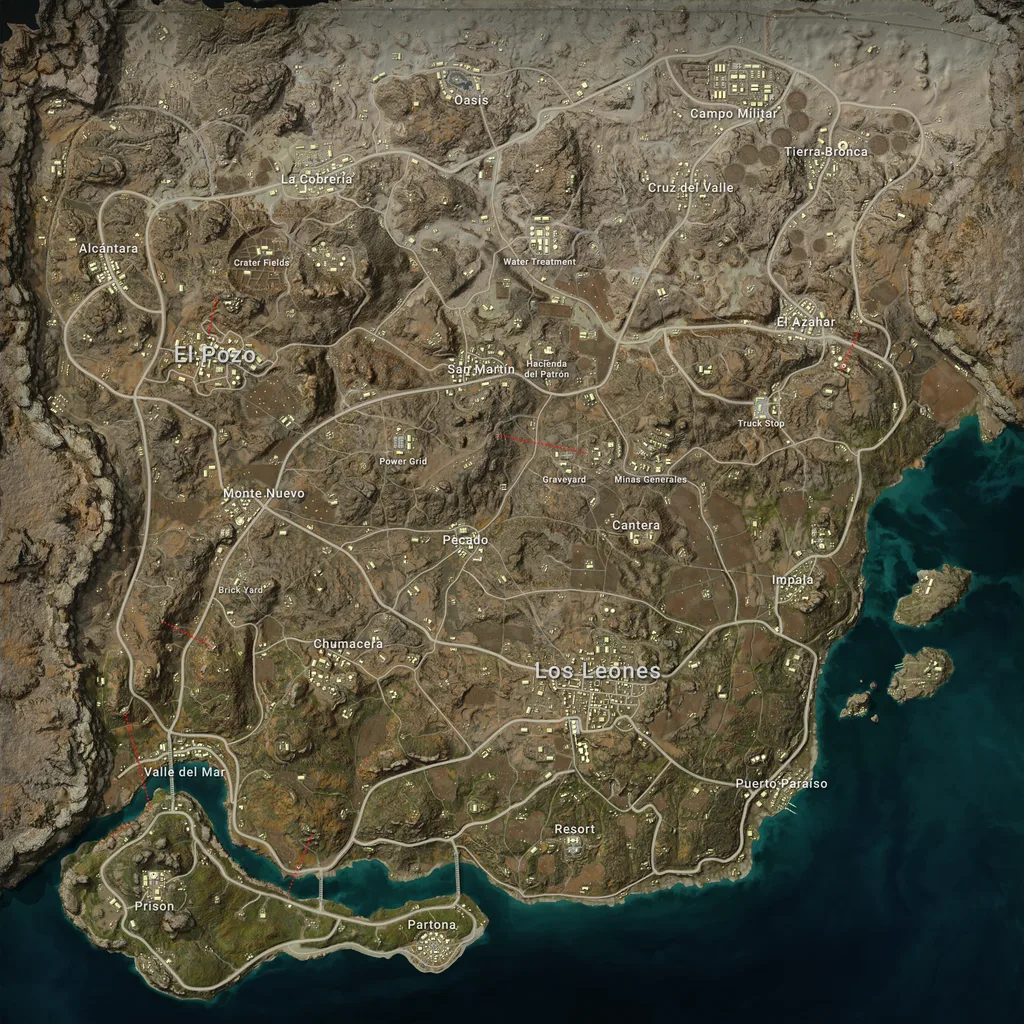
Browse the atlas or search by map name. Open a detailed map, drag to move, zoom for a closer look and reset the view. The atlas is not a live rotation.
The full-lobby index multiplies win rate by an assumed number of teams: 100 in solo, 50 in duo or 25 in squad.
It gives a reference for different formats. Actual lobby sizes, bots, opponent strength and matchmaking can differ, so it does not establish which mode you are truly best at.
4% × 25 assumed teams = 1×.
An explanation of the model, not a player result. Equal indices do not prove equal skill.
Mode totals and personal records come from lifetime statistics. Map performance and shot placement use available recent matches, and each section shows the sample it could read.
All played modes remain visible. The comparison model requires 300 rounds in solo, 150 in duo and 75 in squad before including a mode. Passing that threshold does not remove the model assumptions.
Recent placement is scored from 0 for last to 100 for a win, using the reported number of teams. Normal and ranked match types are separated, and differences are shown with their uncertainty.
A body-part distribution describes where qualifying damage landed. It cannot by itself tell you whether aim, positioning or decision-making caused an outcome.
Requests may queue to respect the game API quota. Previously retrieved results can load much faster from cache. Map and shot reports load when you open their sections; telemetry can take longer because it reads match events.
Use the exact in-game name, including capital letters, and select Steam, Kakao, PlayStation or Xbox before searching. PUBG Mobile profiles are not supported here.
Lifetime totals and recent match references are separate datasets. An empty returned match list does not mean that the account has never played. The report can show lifetime stats even when no usable recent matches are available.
No. It describes bullet damage events on body parts, not every shot fired. Bot hits are excluded from the displayed distribution and reported separately where applicable. A shotgun blast can generate multiple damage events.
They indicate uncertainty in the returned sample. A small difference within its reported margin is not strong evidence that one map or body-part share is meaningfully different. Small samples remain labelled.
No. The atlas displays official map artwork. It does not show live loot, player positions or the current matchmaking rotation. Game updates may change the terrain or locations shown.
Advice identifies statistical patterns worth reviewing. The current report does not reconstruct every tactical decision. Use your in-game replay to investigate positioning, timing and fights before drawing a conclusion.
Rankings belong to their published season, region and mode. Player Report primarily shows lifetime mode statistics. These datasets also refresh independently, so they should not be read as the same snapshot.
Open your report and choose one pattern to investigate.